


Herospin App
For those who like to bet on sports and play online slots on the go, we have a PWA that makes mobile access to our site a lot quicker and more convenient. The Herospin app is easy to install on any device from your preferred browser. And you don’t need to download any files during the setup process, which makes our mobile casino solution a truly secure choice.



Herospin App for Android
Our mobile application is suitable for any Android-based smartphone or tablet. And it doesn’t matter if your device is old or new: the Hero Spin Casino PWA works perfectly well even on outdated handsets due to its insignificant storage footprint and super-fast load times.
The Herospin app is up for grabs for free, and it takes merely a couple of moments to set up on your home screen. Besides, you don’t have to worry about downloading any suspicious Android package kits from the web to start using it – simply go to Hero Spin in your favorite mobile browser and follow these steps:
- Tap the three dots in the upper right corner of the web interface to open the browser’s settings
- Click “Add to Home Screen”
- Type a preferred name for the PWA shortcut or leave the original title
- Press “Install”
In just a few seconds, the Herospin Casino icon will appear on the screen of your device, and whenever you’re in the mood to play some slot games or bet on sports, you can tap it just once and log in to your account as usual.
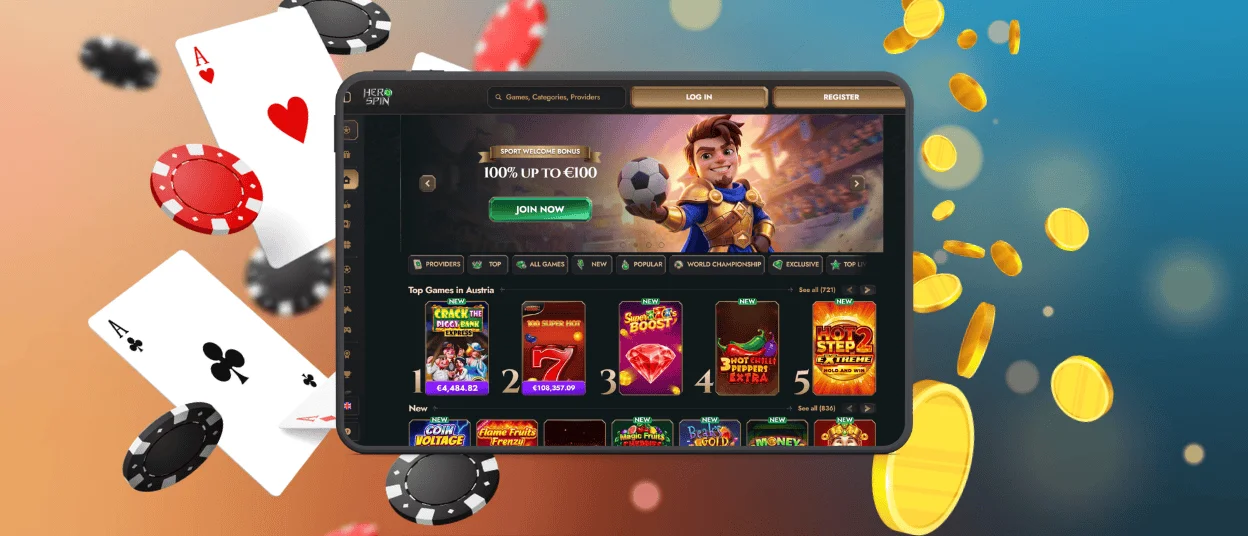
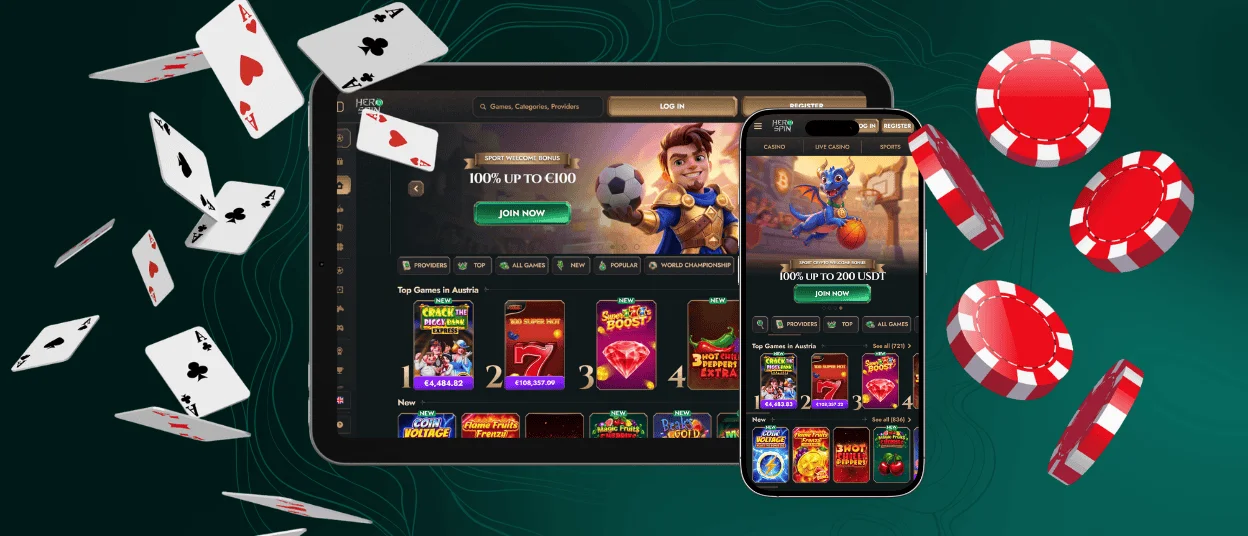
Even though our PWA is merely a mobile-friendly version of the official website, it looks and feels like any top-notch Android-specific mobile solution. There is no address bar in the Hero Spin app, while its interfaces have built-in touch controls that allow for a truly smooth and high-quality gaming experience on smartphones.
Herospin App for iOS Devices
The mobile casino installation process is just as easy for iPhone and iPad users as it is for Android fans. All you need to do is open Herospin Casino in Safari and press “Share” at the bottom of the web interface. Then, tap “Add to Home Screen” and customize the name of the PWA shortcut if you wish. Lastly, press the “Add” button once more and wait for a few seconds for the app icon to appear on your device’s screen.
Feel free to set up the Hero Spin app on several devices at once – just make sure to log in to a single account on all of them. Your activity data will be automatically synchronized across devices, and you will see the same history of financial transactions and gaming sessions both on your smartphone or tablet and on the web.
Herospin Application for Windows & macOS
Even though it’s convenient to play casino games on the web when you’re using a computer, installing our PWA on the desktop offers a couple of advantages. Here are the major ones:
| Functionality | Hero Spin Casino PWA | Official Website |
| Loading Speed | Always fast thanks to the PWA’s service workers that cache our online casino’s content and display it immediately after you open the app. | Depends on the quality of your internet connection. |
| Access Speed | It takes just one tap on the PWA shortcut to enter your Herospin account. | It takes longer to access our site through the browser even if it’s bookmarked there. |
| Offline Mode | The cached content can be viewed without any internet connection (however, you cannot play slots and live dealer tables when offline). | Not available. |
| Push Notifications | Easy to set up through the PWA settings to stay updated on our newest bonuses and promotions in real time. | Our promo information is sent to your email address if you’ve subscribed to our newsletter during registration. |
Moreover, the Herospin Casino PWA runs through HTTPS and applies all the other security measures from the official website. These include the most advanced TLS protocol, an Intrusion Detection System that protects players’ accounts from unauthorized access, and the KYC verification process that follows each user’s first payout request.
How to Install the App on Your Desktop?
To set up our PWA on your MacBook or Windows computer, you need to visit Herospin Casino in a browser of your choice and click the installation button that sits in the corner of the address bar (it looks like a computer screen with a downward-looking arrow).
Once done, you will be able to access your account right from the desktop with just a tap on the casino shortcut and enjoy a full-screen view of all the Hero Spin interfaces, including the game lobby, promotions page, payment history, live chat, and your personal profile.

FAQ
Do I need to download the Herospin App?
There’s no need to download any installation kits or files to start using our mobile application. All you have to do is add the PWA shortcut to your computer’s desktop or your smartphone’s home screen, which takes merely a few seconds and doesn’t affect your device’s storage space at all. Besides, since you don’t download anything during the installation process, you face no risk of infecting your OS with malware – our app is 100% secure.
Which browsers are compatible with Herospin?
Enjoying high-quality gaming sessions at our casino is possible in any browser of your choice: Chrome, Safari, Firefox, Brave, Microsoft Edge, Opera, Vivaldi, etc. And you can install our app from any of these browsers as well – the PWA format is truly universal. In a rare case of browser compatibility issues, you can always reach out to our support team for help.
Does the app provide access to your full game catalog?
Yes, the PWA includes all the same features as the primary version of Hero Spin Casino. The game library is no different as well — you can conveniently discover new software providers or titles using the search bar or explore different casino categories in the lobby.
Are live casino games convenient to play in the Herospin Casino app?
Yes, our live dealer tables are 100% mobile-friendly. Even if you play them on the smallest smartphones, the top-quality gaming experience is guaranteed thanks to each game’s adaptive design, short sessions, one-tap controls, and other features like drag-and-drop.


